FOR TEAMS BUILDING AGENT PRODUCTS
Agents with a computer built in.
An agent is only as useful as what it can touch. Provision X gives every agent a real computer — a browser that stays logged in, files that persist, a screen your customers can watch — over one API.
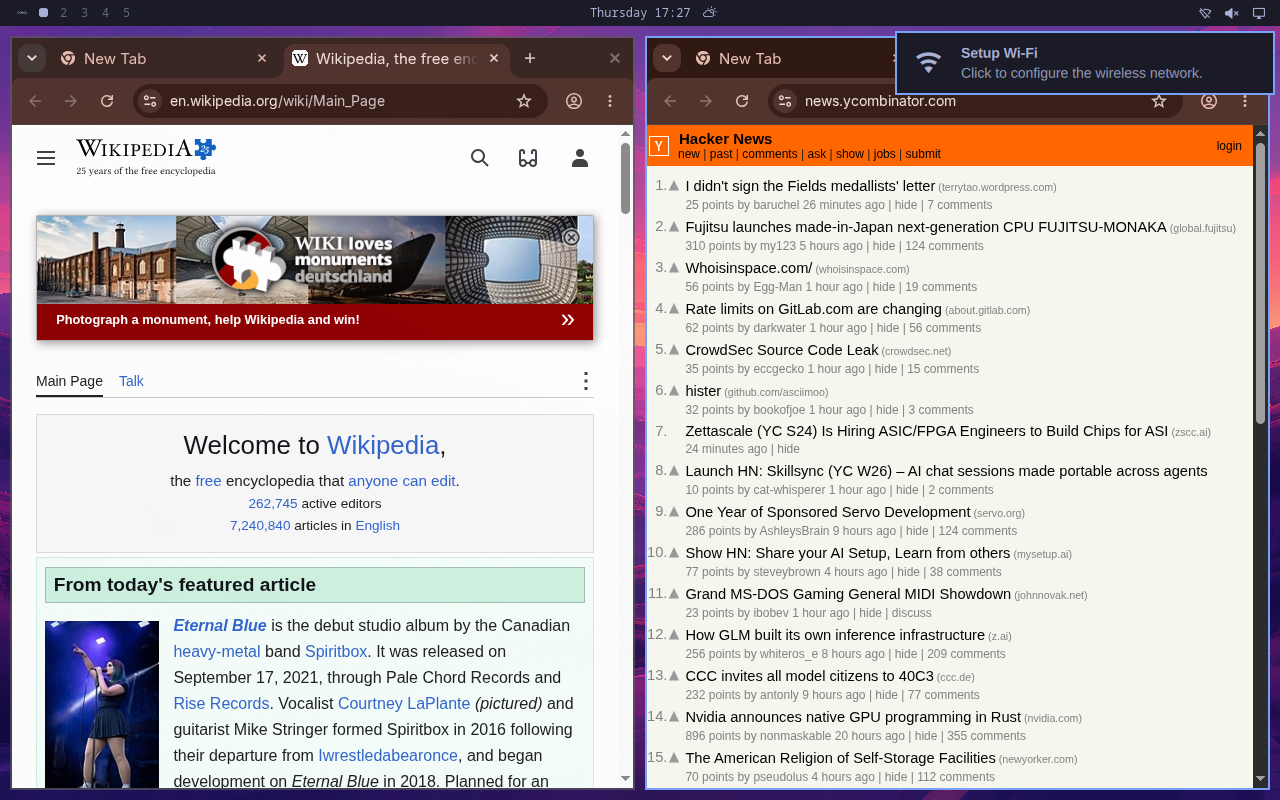
Real screenshot. Two agents sharing one machine — each in its own browser. Every desktop is watchable, live.
The problem
Shipping an agent product means building a body for it.
The model is the easy part. The months go into giving agents somewhere to actually work — and keeping it all alive per customer.
- Stitch together a browser API, a code sandbox, file storage, and session glue — four vendors before the first feature.
- Stateless everything: the browser forgets its logins, files vanish between runs, memory needs its own database.
- No screen. When a customer asks "what is it doing?", you have logs.
- Per-customer isolation is your problem, in every layer, forever.
- One call, one computer. Browser, desktop, shell, and files arrive together, already running.
- State is the default. Logins, files, and memory persist until you delete the machine.
- Every agent has a screen. Stream it to your customers and let them watch the work.
- Isolation by construction. One customer, one machine. Nothing to architect.
The machine is the feature
Everything is already installed.
No browser farm, no tool marketplace, no setup steps. The agent lives on the machine, so the machine's abilities are simply its own.
Headed Chrome
Real logins, cookies, and sessions that persist between tasks.
Live desktop
One call returns a stream of the agent's screen.
Shell and files
Full Linux underneath. Run code, keep state, install anything.
Sub-agents
Up to 10 personas per machine, added in seconds without a restart.
Browser per persona
Isolated sessions by default, or one shared login for the whole roster.
Auto-sleep
Idle machines suspend with state intact and wake on the next request.
The API
Create. Send. Watch.
Boot an agent
POST /v1/agents
{ "name": "Riley" }
# its machine is live in ~2 min
Give it work
POST /v1/agents/{id}/runs
{ "input": "Research X." }
# no session setup neededSee it happen
GET  /v1/runs/{id}/stream
POST /v1/agents/{id}/desktop_links
# results, live; screen, live
For agent products
Every customer gets their own computer.
Not a sandbox — a machine. One call boots it, and its files, logins, memory, and browser sessions stay until you delete it.
Sub-agents
One machine, a whole team.
Add specialists to any agent — same machine, same API, one field to decide how they browse.
Isolated
Each persona keeps its own logins and tabs. One signs in; the others stay logged out.
Collaborating
The whole roster works the same logged-in accounts. Sign in once, everyone can use it.
For builders
Ship your agent product this week.
The whole API fits in one plain-text file. Hand it to your coding agent and skip the infrastructure quarter:
Read {BASE_URL}/llms-full.txt and build me a client.
Read the docs